4.0.9 · package 2 · OpenCart 3
Current edition
Author-profile URLs work independently when SEO Engine is disabled. The customer installer includes activation and renewal through Bunny Modules.
SEO / OPENCART 3 AND 4
Attach public author profiles to OpenCart content so readers can see who wrote an article and find more information about the author.
BEFORE INSTALLING
Check the profile URL and attribution on the storefront after installation.
WORKFLOW
Attach public author profiles to OpenCart content so readers can see who wrote an article and find more information about the author.
Add a public name and a short bio.
Link the content to the author and verify the public profile URL.
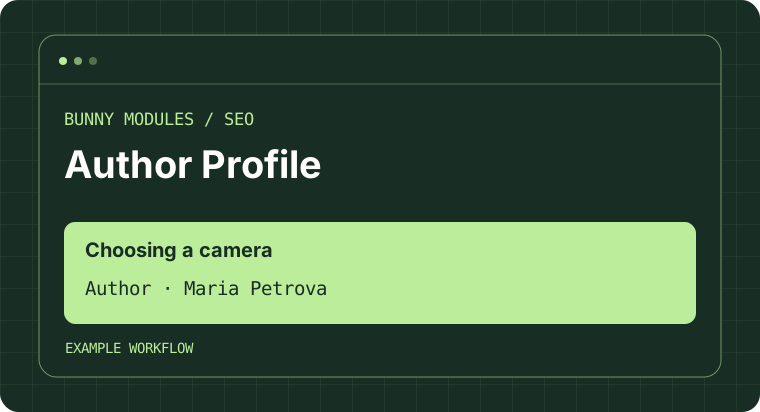
SAMPLE DATA
Choose a scenario to see the result with sample data.
OPENCART TEST ENVIRONMENT
Screenshots from a test installation. Open an image to view it at full size.
Release notes for the documented OpenCart editions.
Current edition
Author-profile URLs work independently when SEO Engine is disabled. The customer installer includes activation and renewal through Bunny Modules.
Current edition
OpenCart Installer compatibility and standalone author-profile URLs. The customer installer includes activation and renewal through Bunny Modules.